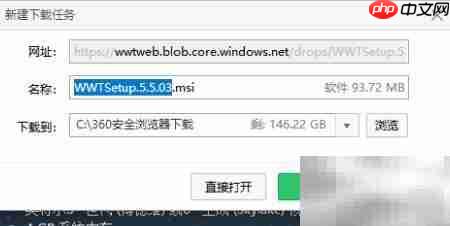
全球望远镜(worldwide telescope,wwt)由微软研发,不仅是一款强大的虚拟天文观测平台,更是一个集知识性、交互性与教育性于一体的综合学习系统。它让用户身临其境地遨游星辰大海,在宏大的宇宙图景中自由探索,支持多维度互动操作与科普内容呈现,有效提升公众尤其是青少年对天文学的理解与热情。
1、 关闭初始介绍窗口
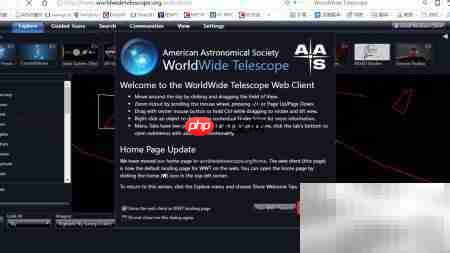
2、 选择简体中文语言选项
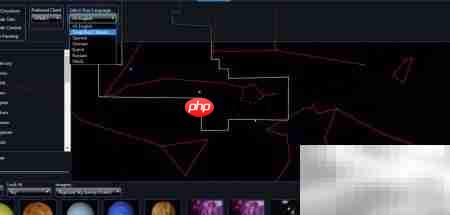
3、 点击“安装Windows客户端”按钮,启动下载流程。
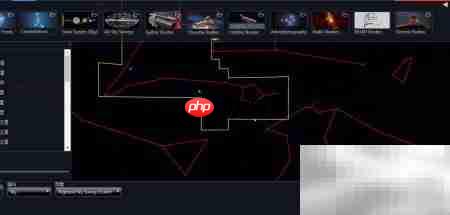
4、 获取并安装面向Windows平台的WorldWide Telescope 5.5正式版程序。

5、 点击界面中的翻译功能按钮,切换至中文显示模式。
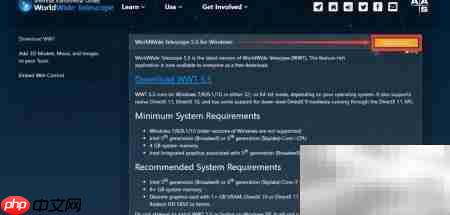
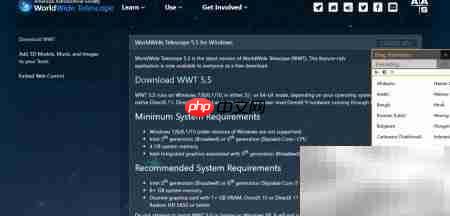
6、 点击“下载WWT 5.5版本软件”链接
7、 完成下载确认,并可参与社区投票反馈